Keep the web. With pictures and folders.
Add an address and skramkoob fetches the rest: title, description, preview image. Works offline on your iPhone.
The name is BOOKMARKS, read backwards.
Under this name, one of the first online bookmark services started in 1999. In 2026 it is back, as an app for iPhone.
Save first. Sort later.
Links arrive in skramkoob with a picture and a title. Sort them whenever you like. Try it here.




All sorted. That is how it looks in the app too.
Drag or tap a link, then pick a folder.
What skramkoob does for you
Preview
The app reads the title, description and image of the page itself. You only type what it cannot read.
Folders
One level, with a colour and an icon. Pin the folders you use most to the top.
Find again
Search titles, addresses and tags, plus favourites, a month filter and sorting by date, title or last opened.
Share
Send a link from Safari or any other app straight to skramkoob. The app suggests the matching folder.

Offline
Your collection lives on the device. Folders, search and previews work without a connection. With Premium it syncs to your other devices through your account.

Seven folders are already there
Share a link from one of these apps and skramkoob suggests the matching folder.
This is what the app looks like
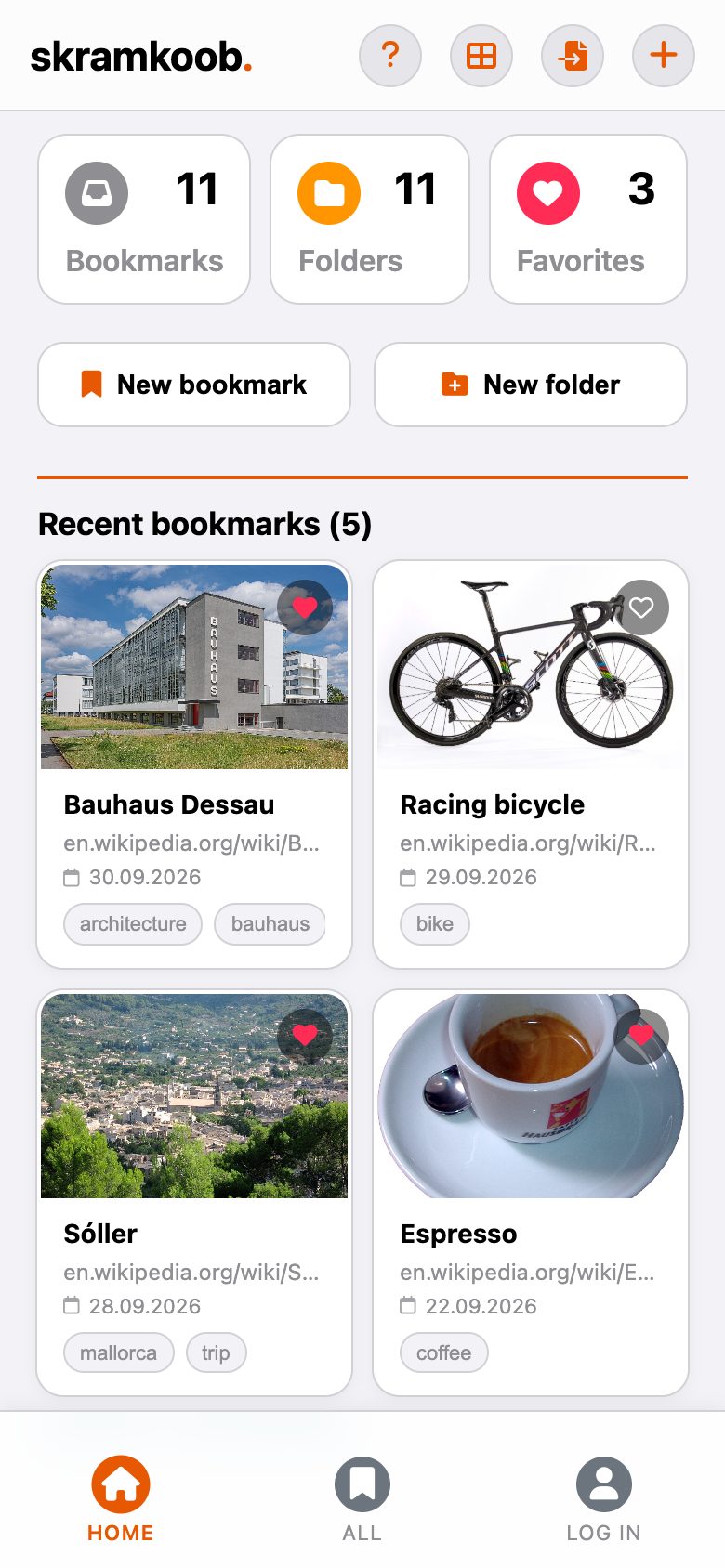
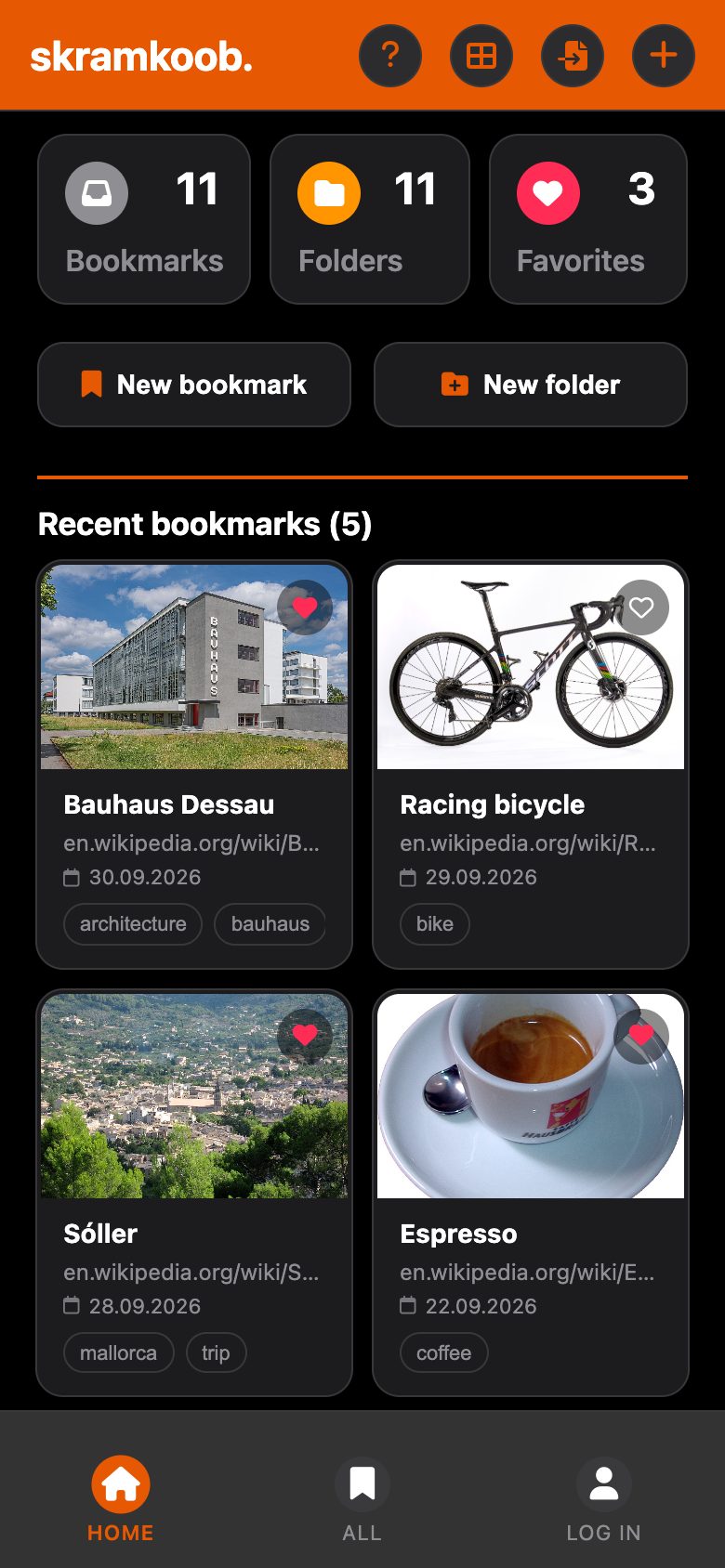
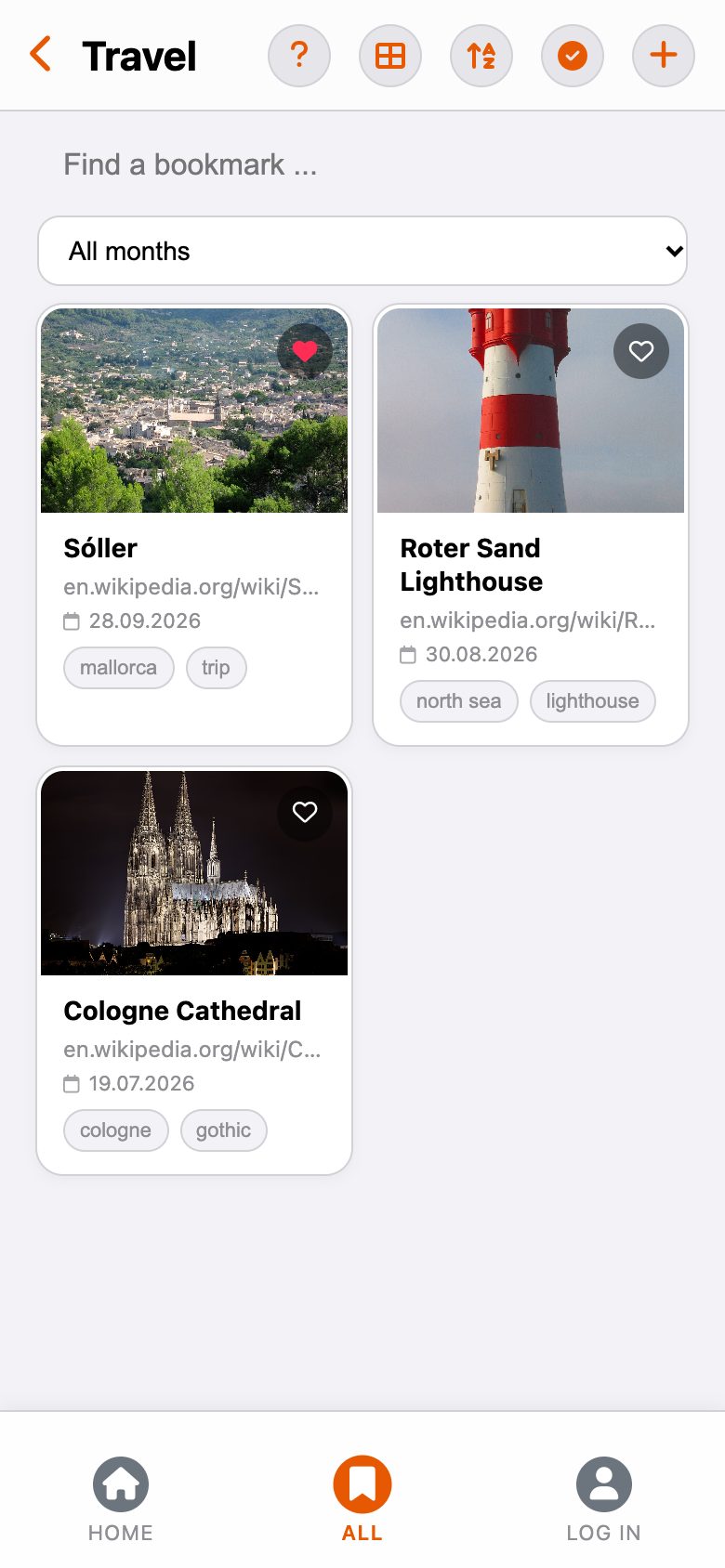
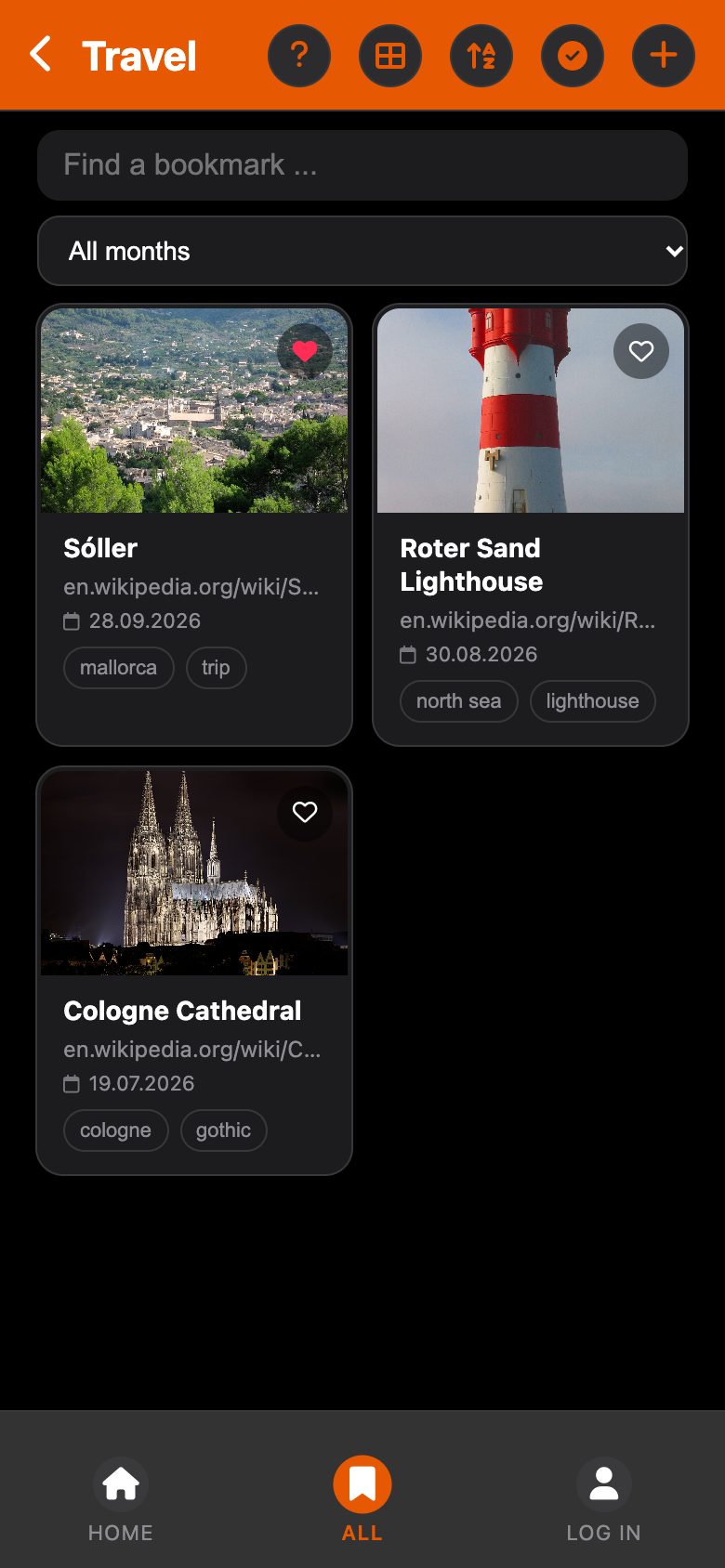
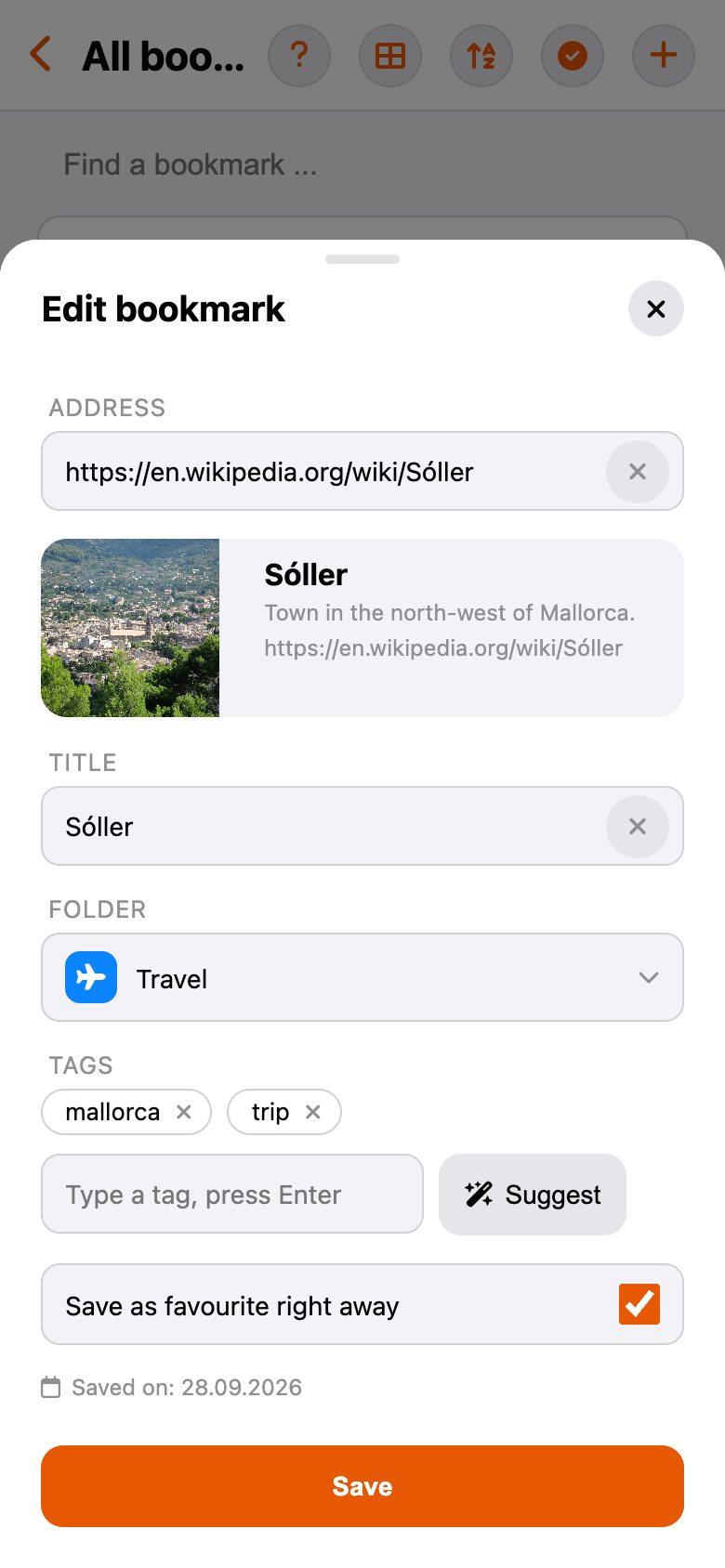
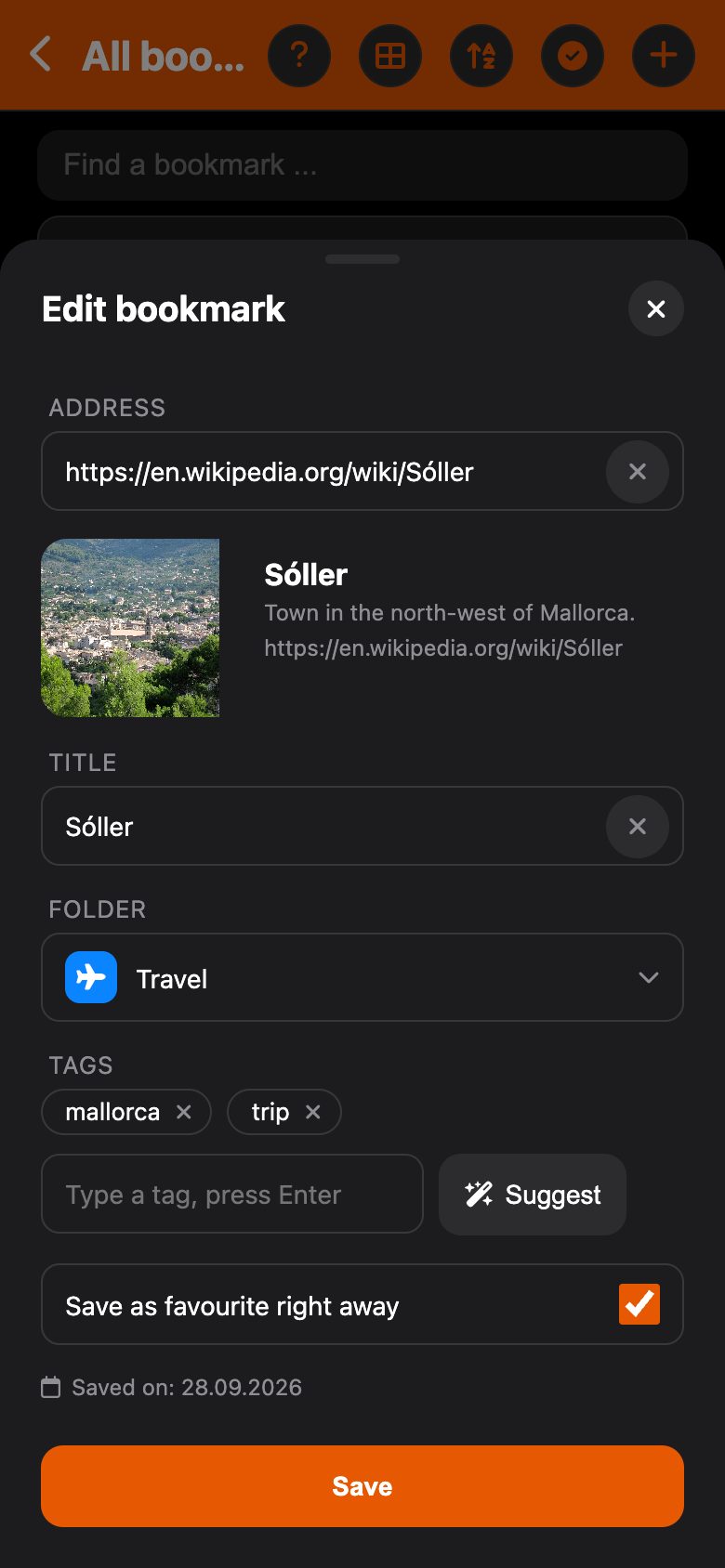
Move everything over in one go
What you have already collected
skramkoob imports your browser bookmarks with their folders and dates. It skips duplicate addresses and asks before it starts.
Small things you will notice
Flip the switches to see the address and tags without this help.
Light, dark or 1999
The app has three looks, and so does this page. Tap one.
What it costs
Free
- Every feature on the device
- Up to 50 bookmarks and 10 folders
- With ads
Premium
- No ads
- Sync through your account, on all devices
- Up to 50 bookmarks and 10 folders, no subscription
Premium Plus
- Everything in Premium
- Unlimited bookmarks and folders
- Chrome extension, cancel monthly
Now on the App Store
skramkoob for iOS. You only need an account for purchases and sync.
Get the app